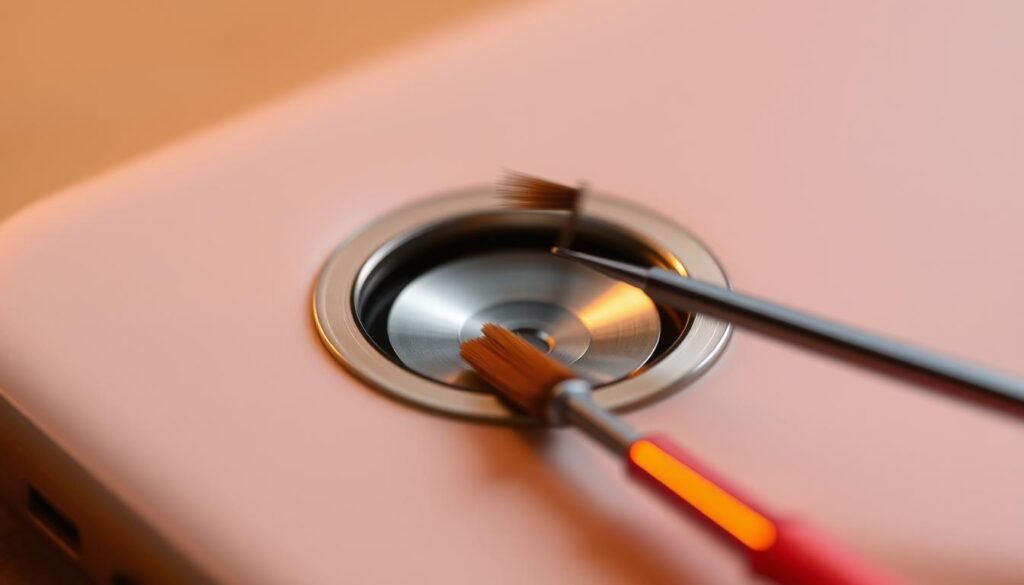
Did you know a dirty charging port can slow down your iPhone? Dust and dirt can cause charging issues and even harm your device. I’ve faced this problem and found that cleaning the charging port is a simple fix.
You don’t need to be a tech expert or go to an Apple Store to fix this. A few simple steps can get your iPhone charging right again at home. For a detailed guide on safely removing dust and debris, check out Otterbox’s blog post on the subject.
Key Takeaways
- Turn off your device before cleaning the charging port.
- Use compressed air to safely remove dust and debris.
- Avoid using harmful materials like paper towels or metal tools.
- Finish with a microfiber cloth and a bit of rubbing alcohol.
- Be cautious not to push debris further into the port.
Why It’s Important to Clean Your Charging Port
A clean charging port is key for your iPhone to charge right. Dust, dirt, and debris can build up over time. This can cause many problems.
Signs of a Dirty Charging Port
Having trouble with your iPhone’s charging? It might be because of a dirty charging port. You might see slow charging, charging that stops and starts, or it won’t charge at all. For example, your iPhone might charge slowly or not at all unless you adjust the cable just right. For more help, check out The Ultimate Guide to Cleaning Your iPhone Charging.
| Signs | Description |
|---|---|
| Slow Charging | Your iPhone takes longer than usual to charge. |
| Intermittent Charging | Your iPhone charges occasionally, but not consistently. |
| Failure to Charge | Your iPhone doesn’t charge at all. |
Benefits of Regular Maintenance
Cleaning your iPhone’s charging port regularly can stop these problems. It keeps your device working well. This way, you avoid bigger issues like damage to your iPhone’s inside parts. Plus, it saves you time and money by avoiding expensive fixes.
Key Benefits:
- Prevents charging issues
- Reduces the risk of internal component damage
- Saves time and money on repairs
Knowing how to clean your iPhone’s charging port and spotting a dirty port is important. It helps keep your device in top shape. Regular cleaning ensures your iPhone charges well and works its best.
Tools You’ll Need for Cleaning
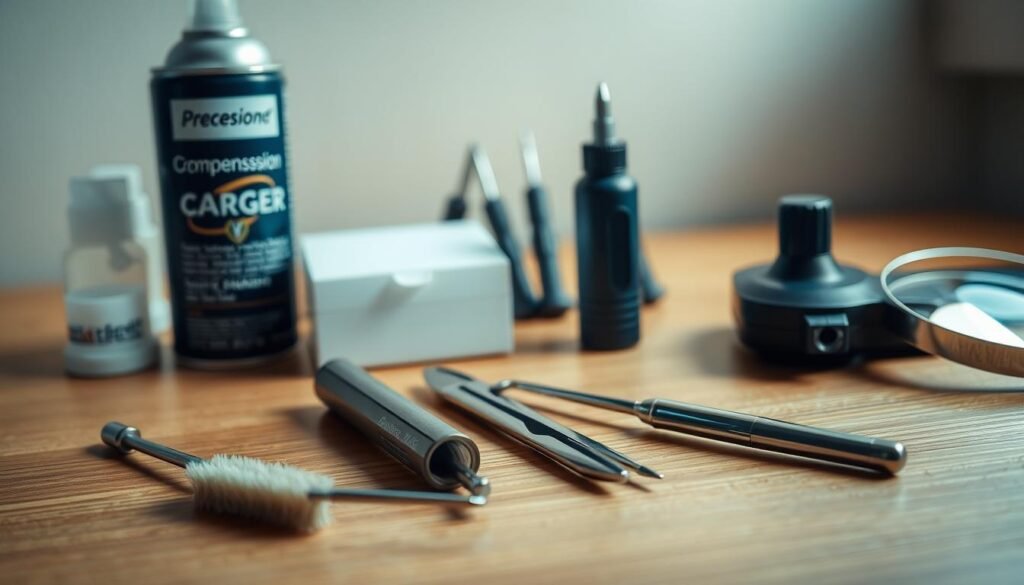
You’ll need a few handy tools to clean your iPhone’s charging port safely and effectively. The right tools make cleaning easier and prevent damage to your device.
Soft-Bristled Brush
A soft-bristled brush is key for cleaning your iPhone’s charging port. It gently sweeps away dust and debris without harming the internal parts. Make sure the brush fits the port and has soft, flexible bristles.
Compressed Air
Compressed air is also useful for cleaning the charging port. It can blow out loose dust and particles. But, use it carefully to avoid pushing debris further or damaging the parts inside.
Isopropyl Alcohol and Cotton Swabs
For tough stains or corrosion, isopropyl alcohol and cotton swabs work well. Dampen a cotton swab with isopropyl alcohol and gently insert it into the charging port. Be careful not to let liquid seep into the port, as it can cause damage.You can learn more about how-to-clean-shower-head.
How to Safely Clean Your iPhone Charging Port
To keep your iPhone working well, it’s key to learn how to clean its charging port safely. A dirty port can cause charging problems and even make your iPhone stop working. So, it’s important to know the best ways to clean it.
Power Off Your Device First
Before you clean your iPhone’s charging port, make sure to power off your device. This step is crucial to avoid any damage or shock. To turn off your iPhone, press and hold the sleep/wake button until you see the “Slide to Power Off” slider. Then, slide it to the right.
Use the Soft-Bristled Brush
A soft-bristled brush is a safe tool for cleaning your iPhone’s charging port. Gently put the brush into the port and sweep away any loose debris. Don’t push too hard to avoid harming the inside parts.
Use Compressed Air Carefully
Compressed air can help get rid of dust and debris from the charging port. But, it’s important to use it carefully to avoid causing damage. Hold the can upright and spray short bursts of air from a distance. Don’t tilt the can, as it could release liquid and harm your iPhone.
Here’s a summary of the steps and tools you should use:
| Step | Tool/Method | Precaution |
|---|---|---|
| 1 | Power Off iPhone | Avoid electrical shock |
| 2 | Soft-Bristled Brush | Gently sweep away debris |
| 3 | Compressed Air | Use short bursts from a distance |
“Regular maintenance of your iPhone, including cleaning the charging port, can significantly extend its lifespan and ensure it continues to function properly.”
By following these steps and using the right tools, you can safely clean your iPhone’s charging port. This will help keep your device in good shape.You can learn more about how-to-clean-stainless-steel.
Tips for Avoiding Dust Buildup

To keep your iPhone charging port clean and working well, it’s key to prevent dust buildup. This way, your device will charge efficiently and perform well.
Use a Protective Case
Using a protective case is a smart move to stop dust from getting into your iPhone’s charging port. A quality case acts as a shield, keeping dust and debris out. For example, Wavecase offers cases that protect your iPhone’s charging port.
Keep Your iPhone in a Clean Environment
It’s also important to keep your iPhone in a clean spot. Don’t put it on dusty surfaces or in dusty places like construction sites. Cleaning your area and handling your iPhone with care can help keep dust out of the charging port.
By following these easy tips, you can keep your iPhone’s charging port clean and working right. This ensures your device stays in top shape.
What to Avoid When Cleaning

When cleaning your iPhone’s charging port, it’s important to avoid certain mistakes. This is to prevent damage to your device. Cleaning needs care and attention to detail.
Never Insert Sharp Objects
One big mistake is inserting sharp objects into the charging port. Tools like paper clips, needles, or tweezers can scratch or damage the inside. This could lead to expensive repairs or make your iPhone unusable. For safe cleaning tips, check out this resource.
Avoid Overly Wet Materials
Another mistake is using too wet materials. They can leak into the port and cause corrosion or harm to electrical parts. Always use a dry or slightly damp cloth and avoid too much moisture.
| Common Mistakes | Potential Damage | Recommended Approach |
|---|---|---|
| Inserting sharp objects | Scratches or damage to internal components | Use a soft-bristled brush or compressed air |
| Using overly wet materials | Corrosion or damage to electrical components | Use a dry or slightly damp cloth |
Knowing these common mistakes helps you clean your iPhone’s charging port safely. This keeps your device in good shape.
When to Seek Professional Help
If your iPhone’s charging port still has problems after you’ve cleaned it, it’s time for expert assistance. Trying all the cleaning methods and still facing issues means it’s time to get help from a pro.
Signs You Need Expert Assistance
There are clear signs you need a pro for your iPhone’s charging port. These include:
- Still having charging issues after cleaning
- Seeing damage to the charging port
- Corrosion or big debris that’s hard to remove safely
If you see any of these signs, it’s important to act fast. This can prevent more damage to your device. Remember, “A stitch in time saves nine.” Getting help early can save you from expensive repairs later.
“The best way to get the job done is to hire a professional who knows what they’re doing.” This is very true for fixing delicate electronics like iPhone charging ports.
How to Find a Certified Technician
Finding a certified technician for your iPhone’s charging port is easy. Start by visiting the official Apple Support page or look for authorized service providers near you. Choose technicians who are Apple certified or have a good online reputation.
Before giving your device to them, make sure to:
- Backup your iPhone to avoid losing data
- Check if your warranty or coverage still applies
- Ask about the repair process and how much it will cost
By following these steps, you can be sure your iPhone is in safe hands. The repair will be done well and efficiently.
How to Clean Other iPhone Ports

To keep your iPhone in top shape, cleaning all ports is key. Dust and debris can build up, causing problems. This includes issues with connectivity or accessory recognition.
Regularly cleaning your iPhone’s ports can prevent these issues. We’ll show you how to clean the headphone jack and SIM card slot well.
Cleaning the Headphone Jack
The headphone jack is a dust magnet. Use a soft-bristled brush or a cotton swab with isopropyl alcohol to clean it. Gently push the brush or swab into the jack and rotate to remove debris.
- Use a soft-bristled brush to gently sweep away dust.
- Dampen a cotton swab with isopropyl alcohol and carefully clean the jack.
- Avoid using sharp objects that could damage the internal components.
Cleaning the SIM Card Slot
Dust in the SIM card slot can stop your iPhone from recognizing the SIM. To clean it, eject the SIM card tray with a paper clip or SIM ejector tool.
- Eject the SIM card tray and remove the SIM card.
- Use a soft-bristled brush to gently clean the SIM card and tray.
- Inspect the slot for any remaining debris and clean as needed.
By following these steps, you can keep your iPhone’s ports clean. This ensures your device works well.
Maintaining Your iPhone Charging Accessories
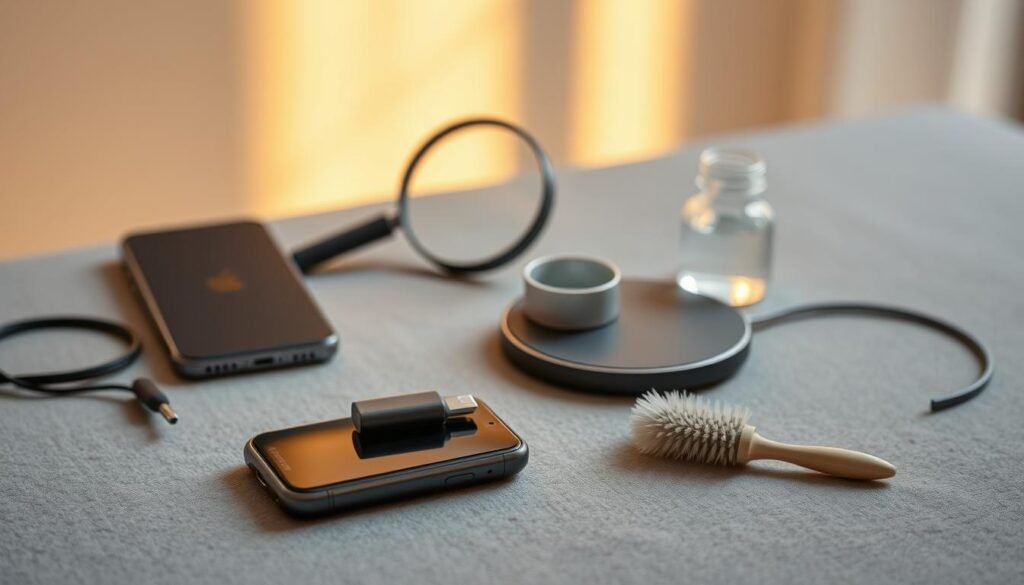
Don’t forget to take care of your iPhone’s charging accessories. It’s not just the charging port that matters. Your charging cable, wall charger, and car charger need attention too.
Keeping the Charging Cable Clean
The charging cable is a key accessory for your iPhone. It can get dirty and damaged over time, mainly at the ends. To clean it, check it regularly for dirt or damage.
Use a soft, damp cloth to wipe the cable. Don’t use harsh chemicals or soak it in water, as this can harm the wiring.
If there’s tough dirt, use a small, dry brush to clean it. Keeping the cable clean and dry helps ensure a good connection and extends its life.
Caring for Wall and Car Chargers
Wall chargers and car chargers are vital for charging your iPhone. To keep them in good shape, keep them dust-free. Use a soft, dry cloth to clean them.
For deeper cleaning, use compressed air to remove dust from the ports. It’s also wise to check your chargers for wear or damage now and then.
If you see any damage, like frayed cords or broken prongs, it’s time to replace the charger. This prevents safety risks and charging problems.
Frequently Asked Questions About Cleaning
Keeping your iPhone’s charging port clean is important. You might have questions about how to do it right. Here, I’ll answer some common questions to help you understand better.
Cleaning Frequency
Clean your iPhone’s charging port every few months. Do it whenever you see dust or debris. Regular cleaning stops charging problems and keeps the connection strong.
Using a Toothpick
You can use a toothpick to clean the port, but be careful. Wrap a small piece of cotton around it to avoid scratches. For more tips, check out EcoFlow’s blog on iPhone charging port.
By following these tips, you’ll keep your iPhone’s charging port clean. This ensures your phone charges without any trouble.You can learn more about how-to-clean-battery-corrosion.