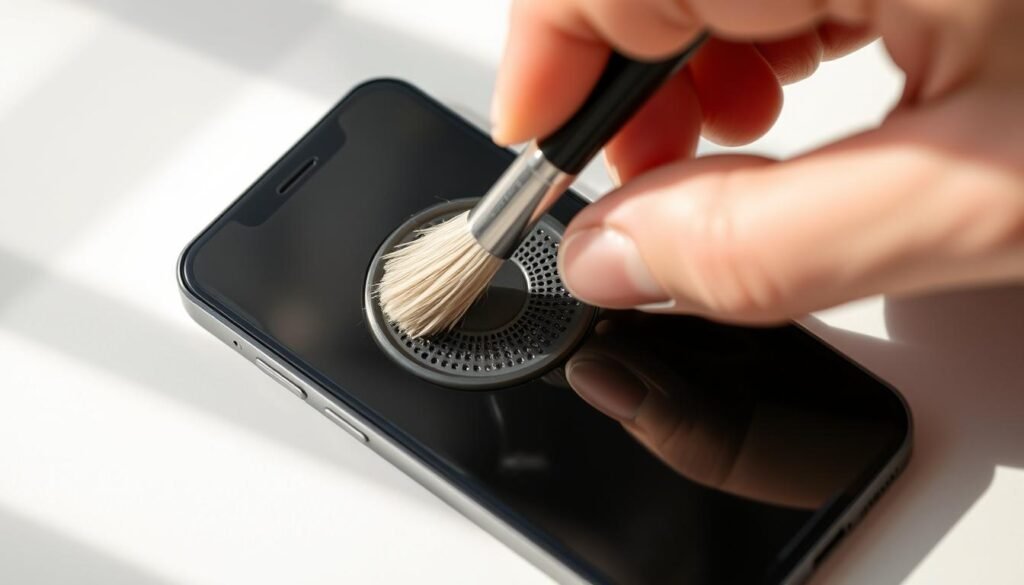
Did you know clogged iPhone speakers can ruin your listening experience? Muffled sound, distorted playback, and quiet calls are signs your speakers need cleaning. Clear sound is key for music, videos, and calls on your iPhone.
Fortunately, cleaning your iPhone’s speaker is easy with basic tools at home. For a full guide, check out this article on how to clean iPhone speakers. By following these steps, you can improve your iPhone’s sound quality.
Key Takeaways
- Identify signs that your iPhone speakers need cleaning
- Use the right tools for cleaning, such as a soft-bristled brush and compressed air
- Follow simple steps to clean your iPhone speaker effectively
- Avoid common mistakes that can damage your iPhone speakers
- Maintain your iPhone’s audio quality with regular cleaning
Understanding Your iPhone’s Speaker System
Your iPhone’s speaker system is made to give you great sound. But, dirt and debris can mess with it. The speaker grilles can get dusty, which affects the sound quality. It’s important to clean them regularly to keep the audio clear.
Importance of Clean Speakers
Clean speakers are key for a great audio experience. If your iPhone’s speakers are dirty, you might hear muffled or distorted sound. Cleaning them often helps you enjoy music, videos, and calls without sound problems. It also protects your iPhone’s inside parts.
Common Issues Caused by Dirt and Debris
Dirt and debris can lead to several problems with your iPhone’s speaker, including:
- Muffled or distorted sound
- Reduced speaker volume
- Crackling or buzzing noises
These issues can be annoying and make you think your iPhone is broken. But, often, a simple clean can fix these problems and make your speaker work better.
| Issue | Cause | Solution |
|---|---|---|
| Muffled Sound | Dirt and debris accumulation | Clean the speaker grilles |
| Distorted Sound | Blockage in the speaker | Use a soft-bristled brush to remove debris |
| Reduced Volume | Dust and lint buildup | Clean the speaker with a microfiber cloth |
Essential Tools for Cleaning Your iPhone Speaker
Cleaning your iPhone speaker needs a few key tools. It’s important to use the right materials to avoid damage.
Soft-Bristled Brush
A soft-bristled brush is perfect for removing dust and debris from the speaker grille. The soft bristles protect the speaker mesh during cleaning.
Microfiber Cloth
A microfiber cloth is also crucial for cleaning your iPhone speaker. It helps remove any leftover dust or debris after brushing. The microfiber is gentle and effective at picking up small particles.
Compressed Air
Compressed air can help blow out dust or debris stuck deep in the speaker. But, use it carefully to avoid pushing debris further into the speaker.
Using these tools correctly helps keep your iPhone speaker clean and working well. Remember, gentle and cautious cleaning is key to avoid damaging your device.
Safe Cleaning Techniques
To keep your iPhone’s sound clear, you need to know how to clean its speaker safely. Cleaning it right is key to avoiding damage and keeping the sound quality high.
Dry Cleaning Methods
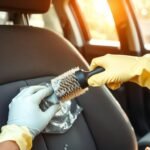
Dry cleaning is the safest way to clean your iPhone’s speaker. A soft-bristled brush is great for removing dust and dirt from the speaker grille. Just gently sweep the brush over the speaker to get rid of any particles.
Using a microfiber cloth is another dry cleaning method. This cloth is soft on your iPhone and can remove dust or dirt. But be careful not to push the dirt deeper into the speaker.
Wet Cleaning Approaches
While dry cleaning is better, sometimes a damp cloth is needed. Make sure the cloth isn’t too wet, as water can harm your iPhone. It’s important to avoid getting liquids into your device’s openings.
A damp microfiber cloth can be used to clean the speaker grille carefully. But use this method with caution. Let the area dry completely before turning on your iPhone.
| Cleaning Method | Safety | Effectiveness |
|---|---|---|
| Dry Brushing | High | Moderate |
| Microfiber Cloth | High | High |
| Damp Cloth | Moderate | High |
When to Avoid Cleaning
There are times when you should not clean your iPhone’s speaker. If your device is still under warranty or you’re not sure how to clean it, get help from an authorized service provider. Also, if you’ve spilled something on your iPhone or it’s very dusty, it’s best to get professional help.
By using these safe cleaning methods, you can keep your iPhone’s speaker working well. This way, you can enjoy clear, high-quality sound.
Detailed Steps to Clean Your iPhone Speaker
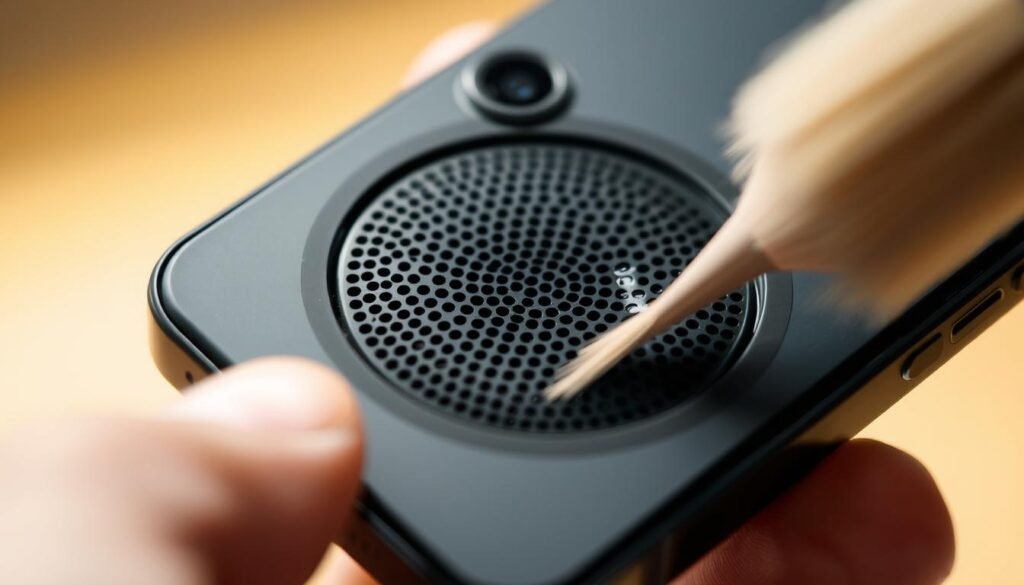
To get your iPhone’s sound back to normal, follow these easy steps. Cleaning your iPhone speaker is simple and safe.
Power Off Your iPhone
First, make sure to power off your iPhone. This step keeps you safe from any harm or shock while cleaning.
Inspect the Speaker Grille
Then, check the speaker grille for dirt or debris. This tells you how much cleaning you need to do.
Use a Soft-Bristled Brush
Now, use a soft-bristled brush to gently sweep away debris. Be gentle to avoid damaging the speaker.
Wipe with a Microfiber Cloth
Last, use a microfiber cloth to wipe away any dust left. For more tips, check out this guide on cleaning your iPhone speaker.
Using Compressed Air Effectively
Compressed air is a great tool for cleaning your iPhone’s speaker. But, it needs to be used carefully. It can get rid of dust and debris that might be messing with your speaker’s sound.
Proper Technique for Application
To clean with compressed air, hold the can upright. Spray short bursts from about 6 inches away from the speaker. This keeps debris from getting pushed deeper into the speaker. It’s very important not to tilt the can, as this can release liquid propellant and damage your iPhone.
Move the can around the speaker grille to cover the whole area. If you see debris moving, stop and check if you need to clean more.
Potential Risks to Consider
While compressed air is usually safe, there are risks. Forcing debris further into the speaker or damaging the speaker mesh are possible problems if you hold the can too close or spray too hard. Also, tilting the can and releasing liquid can harm your iPhone’s inside parts.
To avoid these risks, always follow the instructions on the compressed air can. Be careful when spraying near your iPhone’s speaker.
Deep Cleaning Your iPhone Speaker
If your iPhone’s speaker isn’t working right, a deep clean or professional help might be needed. Basic cleaning often fixes many problems. But, some issues need more specialized care.
When to Seek Professional Help
Try cleaning your iPhone’s speaker first. But if you still have problems like distorted sound or no sound, get professional help. Experts have the tools and knowledge to fix issues you can’t handle yourself.
Here are some times when you should get professional help:
- Water damage: If your iPhone got wet, experts can help protect the speaker and other parts.
- Deep-seated debris: If dirt is stuck deep in the speaker, a pro can safely get it out.
- Physical damage: If your iPhone’s speaker or area around it is damaged, a pro can fix or replace it.
Methods Used by Professionals
Experts use different ways to clean and fix iPhone speakers. These include:
- Ultrasonic cleaning: This uses sound waves to remove dirt from the speaker.
- Specialized cleaning solutions: They use safe cleaning solutions for electronic parts.
- Precision repair: For broken speakers, they do precise repairs or replacements.
Here’s a look at how different professional cleaning methods compare:
| Method | Description | Effectiveness |
|---|---|---|
| Ultrasonic Cleaning | Uses sound waves to clean | High |
| Specialized Cleaning Solutions | Safe for electronics, removes grime | Medium to High |
| Precision Repair | Repairs or replaces damaged parts | Very High |
In summary, while you can clean your iPhone’s speaker at home, sometimes you need a pro. Knowing when to ask for help and what methods they use can help you take better care of your iPhone.
Preventative Care for Your iPhone Speaker
Keeping your iPhone’s speaker clean is key. Regular care and protective gear can make your device sound better for longer.
Regular Maintenance Tips
To keep your iPhone’s speaker in top shape, follow a cleaning schedule. Here are some steps:
- Regularly inspect your speaker grille for any visible debris or dirt.
- Gently brush the speaker grille with a soft-bristled brush to remove loose particles.
- Use a microfiber cloth to wipe down the speaker area, ensuring it’s free from dust and dirt.
For more detailed cleaning guides, check out how to clean AirPods. It might have tips for other Apple devices too.
Protective Cases and Accessories
Protective cases and accessories are vital for your iPhone’s speaker. Here are some choices:
| Accessory | Description | Benefit |
|---|---|---|
| Protective Cases | Covers that encase your iPhone, shielding it from drops and debris. | Reduces the risk of speaker damage. |
| Screen Protectors | Thin films applied to the screen to prevent scratches. | Helps maintain overall device integrity. |
| Port Covers | Covers for the charging port and speaker grilles. | Prevents dust and debris from entering the speaker. |
Regular maintenance and protective gear can greatly improve your iPhone’s speaker’s life and sound quality.
Understanding the Limits of Cleaning
Cleaning your iPhone’s speaker can only do so much. It’s important to know when you need to take more serious steps. Cleaning can fix many sound quality problems, but some issues are too big for just cleaning.
It’s key to understand your iPhone’s speaker health. If cleaning doesn’t solve the problem, it might be time for a new speaker. This is true if your speaker is damaged or has been wet for too long.
Signs You May Need Replacement
If cleaning doesn’t fix your iPhone’s speaker, you might need a new one. Look out for signs like:
- Persistent crackling or buzzing noises
- Sound only coming from one speaker
- Visible damage to the speaker grille or surrounding area
If you see these signs, it’s best to go to an Apple authorized service or a professional repair service.
Warranty Considerations
If your iPhone is still under warranty or has AppleCare+, you might get free or cheap repairs. Check your warranty before you start any repairs. Apple usually covers manufacturing defects and sometimes accidental damage.
Before you get repairs or a new speaker, back up your iPhone. Then, visit the Apple Support website to see your options. You can also call Apple Support to talk about your situation and what to do next.
Knowing when to stop cleaning and when to get help can save you time. If you’re not sure about your iPhone’s speaker or what to do, it’s best to ask a professional.
Troubleshooting Your iPhone Speaker Post-Cleaning
If cleaning your iPhone speaker doesn’t fix sound issues, it’s time to look closer. Cleaning might not solve the problem. You need to find the real cause.
Sound Issues Still Persisting
Sound problems could be from hardware damage or software glitches. First, check if your iPhone has the latest software. Old software can cause audio problems. Go to Settings > General > Software Update to check.
Also, look for dirt or debris that might have been missed. Use a soft-bristled brush or a microfiber cloth to clean the speaker grille again. Be careful not to push debris deeper into the speaker.
Testing Connectivity and Audio
Next, test your iPhone’s audio connection. Play music or a video to see if the sound problem is everywhere. If it’s just one app, it might be an app issue, not hardware. Try using external speakers or headphones to see if it’s your iPhone’s speaker.
Also, check your iPhone’s audio settings. Make sure the volume is up and the mute switch is off. Restarting your iPhone can fix software audio problems.
Frequently Asked Questions
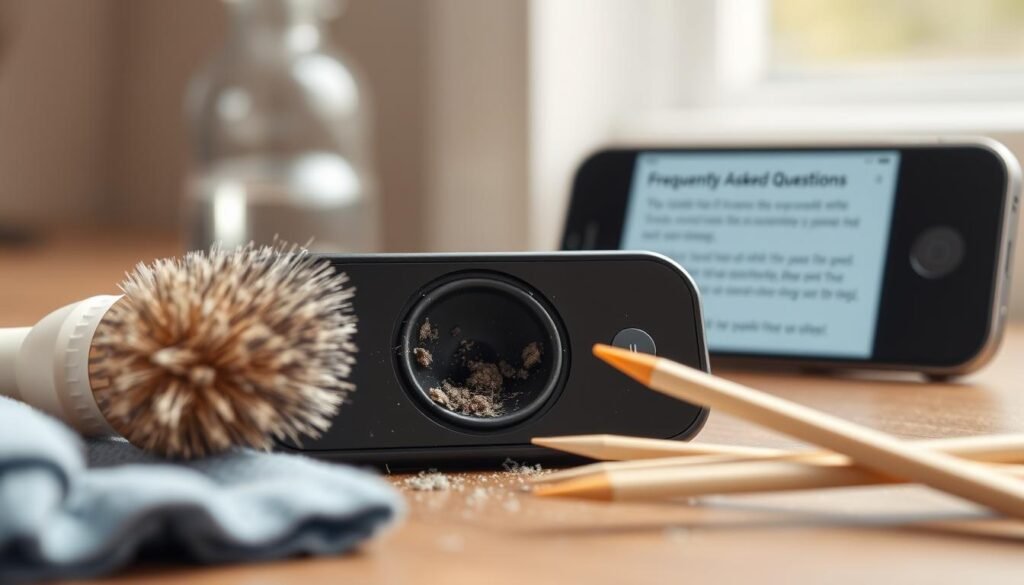
Many iPhone users ask about the best ways to clean their device’s speaker. They wonder how often and how to do it. We’ll answer some common questions about cleaning your iPhone’s speaker.
How Often Should I Clean My Speaker?
How often you should clean your iPhone speaker depends on how you use it and where you use it. If you’re in dusty or dirty places a lot, clean it more often. Generally, check and clean your speaker every few months to keep sound quality good.
For more tips on keeping your iPhone in top shape, check out this resource on cleaning iPhone speakers.
Can I Use Water or Cleaning Solutions?
It’s best not to use water or cleaning solutions on your iPhone’s speaker. Liquids can harm your device’s inside parts. Instead, use dry methods like a soft-bristled brush or a microfiber cloth to clean the speaker grille.
| Cleaning Method | Recommended | Not Recommended |
|---|---|---|
| Dry Brushing | Yes | |
| Microfiber Cloth | Yes | |
| Using Water | No | |
| Compressed Air | Yes, with caution |
By following these tips, you can keep your iPhone’s speaker clean and working well. Regular care is important to keep your device sounding clear and crisp.
Additional Resources for iPhone Care
There’s more to keeping your iPhone clean than just the speaker. You can find many resources to help with overall iPhone care and troubleshooting.
Official Apple Support Links
Apple has a lot to offer for iPhone maintenance. The official Apple Support website is full of guides and tips. It helps you clean and maintain your iPhone, and even troubleshoot problems.
Community Forums and Guides
Community forums, like Apple’s own, are great for extra tips. They’re filled with advice from people who’ve faced the same issues. It’s a good place to ask questions and learn from others.
| Resource | Description | Link |
|---|---|---|
| Apple Support | Official support website with guides and troubleshooting tips | https://support.apple.com |
| Apple Discussions | Community forum for discussing iPhone-related topics | https://discussions.apple.com |
| iPhone User Guide | Comprehensive guide to using and maintaining your iPhone | https://support.apple.com/guide/iphone |
Using these resources can keep your iPhone running smoothly. Regular visits to these sites and forums keep you updated with the latest care tips.
Conclusion and Final Tips
Cleaning your iPhone’s speaker is easy and can make a big difference in sound quality. Just follow the steps in this article to get clear and high-quality sound from your device.
Best Practices Recap
To keep your iPhone’s speaker working well, turn off your device before cleaning. Use a soft-bristled brush to get rid of dirt. Then, clean the speaker grille with a microfiber cloth.
Don’t use harsh chemicals or too much water. These can harm your iPhone’s inside parts.
Maintaining Your iPhone’s Speaker
Regular care is important for your iPhone’s speaker to work its best. Always check and clean your speaker often. Also, use protective cases and accessories to stop dirt and debris from getting in.
By doing these simple things, you’ll get better sound and make your iPhone’s speaker last longer. Follow these tips to enjoy the clear sound and function of your iPhone.