

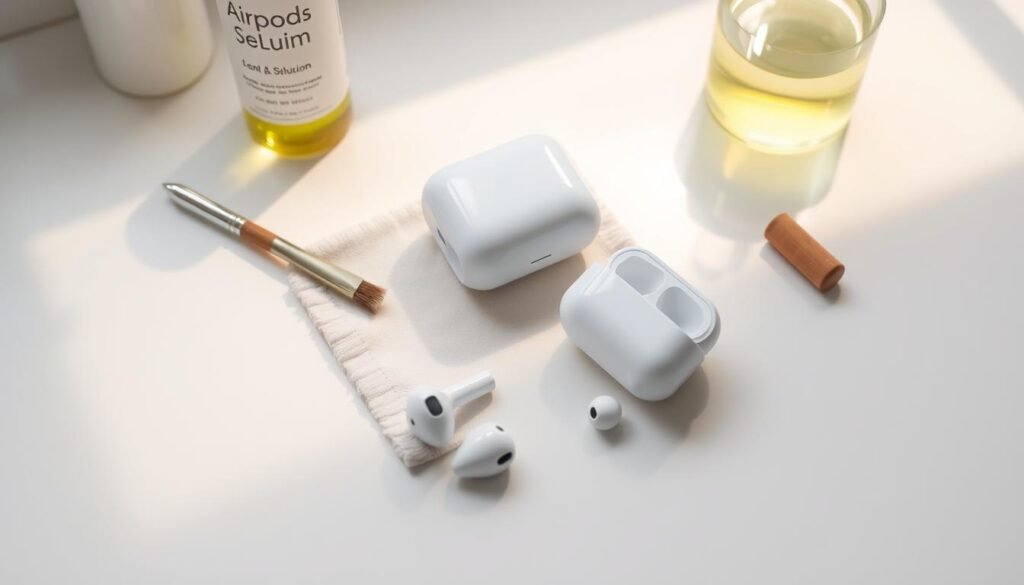
Dirty AirPods can make your sound quality worse and affect your health. It’s important to keep them clean to make sure they work well and last long. Apple says cleaning your AirPods often is key to avoiding damage and keeping them clean. You can learn more on Apple’s support page here.
In this guide, I’ll show you how to clean your AirPods step by step. You’ll discover the best ways and tools to keep your AirPods in great shape.
Key Takeaways
- Regular cleaning maintains sound quality and hygiene.
- Use a soft-bristled toothbrush and micellar water for cleaning.
- Avoid using sharp objects or abrasive materials.
- Dry AirPods completely before using them again.
- Clean the charging case with a soft, dry cloth.
Why Cleaning Your AirPods is Important
Cleaning your AirPods regularly is not just about looks; it’s crucial for their performance and your health. Daily use can cause dirt, earwax, and bacteria to build up. This can lead to several problems.
You can learn more abour how-to-clean-your-ears.
Health Benefits of Clean AirPods
Keeping your AirPods clean is key to staying healthy. Dirty AirPods can carry bacteria, which might cause ear infections. Regular cleaning can greatly lower the chance of such infections. For more tips on cleaning your AirPods, check out this resource.
Maintaining Sound Quality
Debris and dirt can also mess with your AirPods’ sound. When the speaker grilles get clogged, the sound might sound muffled or distorted. Cleaning them regularly keeps your listening experience clear and enjoyable.You can learn more abour how-to-clean-uggs.
Extending Lifespan
Also, cleaning your AirPods can make them last longer. By removing debris and protecting the inside, they work better for longer. This saves money and reduces waste.
In short, cleaning your AirPods is easy and has many benefits. Regular cleaning improves sound quality, health, and extends your device’s life. It’s a simple step that makes a big difference.
What You Will Need for Cleaning
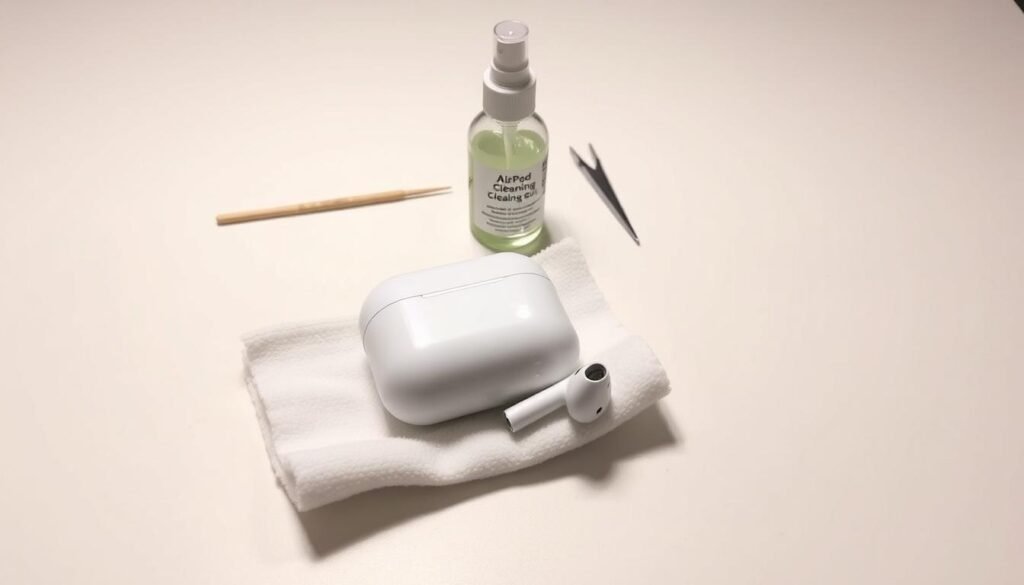
Before you start cleaning your AirPods, make sure you have the right stuff. The right tools help you get rid of dirt and grime without harming your device.
Soft Microfiber Cloth
A soft microfiber cloth is great for cleaning the outside of your AirPods. It’s gentle and can wipe away dirt and smudges. Choose a microfiber cloth made for cleaning electronics.how-to-clean-timberland-boots
Isopropyl Alcohol
Isopropyl alcohol can sanitize your AirPods’ surface. But, be careful not to let it get inside. It’s safer to dampen a cloth with alcohol instead of applying it directly.
Cotton Swabs
Cotton swabs are useful for getting into tight spots and speaker grilles. They help remove stuck debris. Just be gentle to avoid pushing dirt further in.
Toothbrush or Soft Brush
A toothbrush or soft-bristled brush is good for getting into small areas. It’s perfect for cleaning the charging case and other detailed spots.
| Cleaning Tool | Purpose |
|---|---|
| Soft Microfiber Cloth | Wiping down the exterior |
| Isopropyl Alcohol | Sanitizing the surface |
| Cotton Swabs | Cleaning crevices and speaker grilles |
| Toothbrush or Soft Brush | Removing debris from nooks and crannies |
With these tools, you’re ready to clean your AirPods well and keep them working great.how-to-clean-vinyl-floors
Steps to Clean the AirPods Exterior
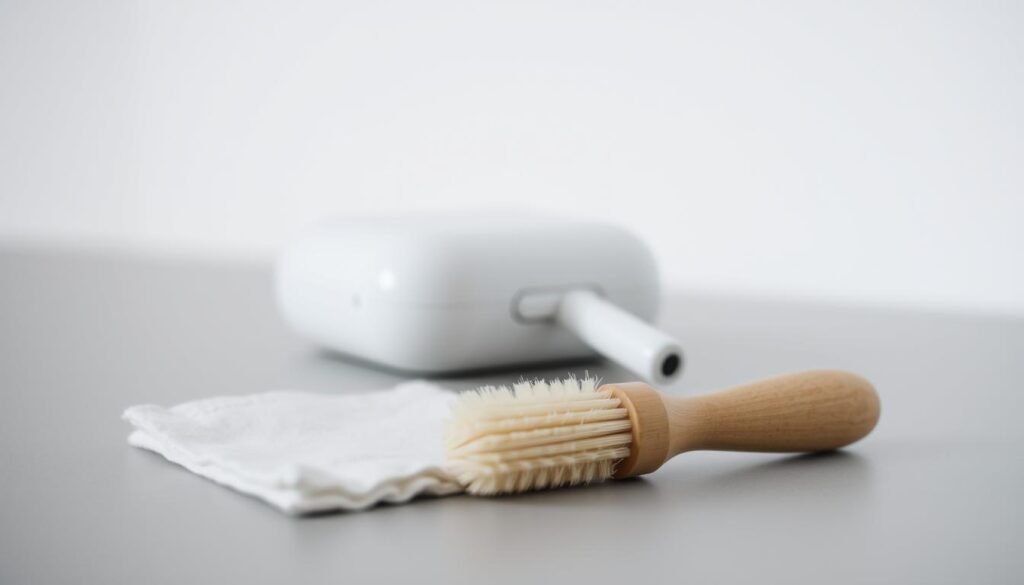
To keep your AirPods in top shape, cleaning them right is key. Cleaning the outside is simple and keeps them working well and looking good.You can learn more abour how-to-clean-microwave.
Wipe Down the Outer Surface
Begin by wiping the AirPods’ outside with a soft microfiber cloth. This removes dirt and dust. For tough stains, dampen the cloth a bit. But, make sure no water gets inside.
Clean the Charging Case
The charging case gets dirty, mainly around the lid and charging port. Use a slightly damp cloth to clean it. Don’t let water get inside. For a deeper clean, check out a guide on how to clean the AirPods case.
Remove Debris from Speaker Grilles
Debris in the speaker grilles can mess with sound quality. Gently use a cotton swab to remove it. Be careful not to push it further.how-to-clean-vinyl-plank-flooring
Remember these important steps:
- Wipe the AirPods exterior with a soft microfiber cloth.
- Clean the charging case with a slightly damp cloth.
- Use a cotton swab to remove debris from speaker grilles.
By following these steps, you can keep your AirPods clean and working well. Regular cleaning keeps them looking and performing great.
How to Clean AirPods Pro Nozzles
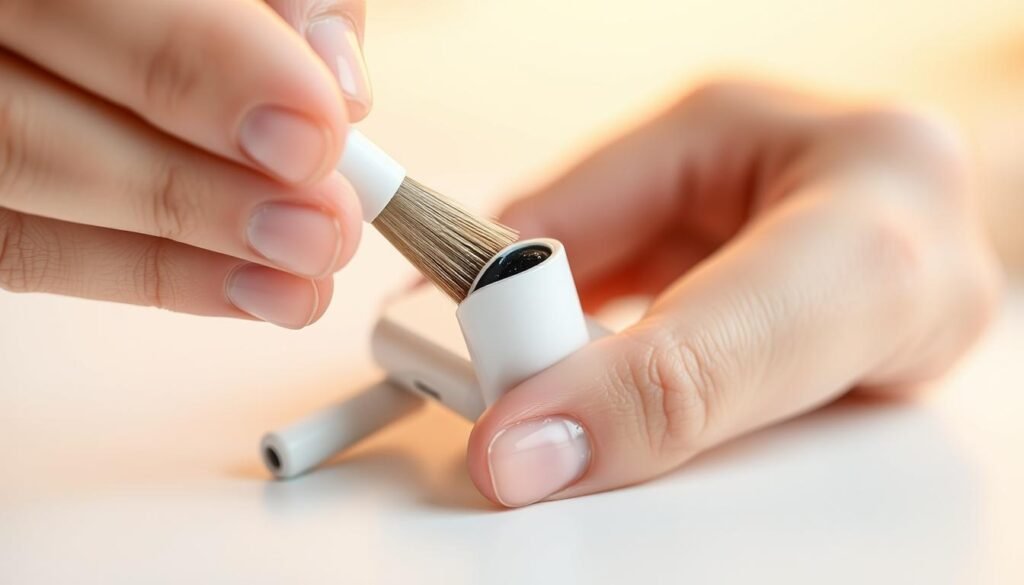
The nozzles on your AirPods Pro can get dirty, which can mess with sound quality. Cleaning them regularly is key to keeping them working well. Here’s how to clean your AirPods Pro nozzles right.
Use a Soft Brush for Debris
Begin by using a soft-bristled brush to remove debris from the nozzles. Be gentle to avoid pushing dirt further into the nozzles. For more tips on cleaning earbuds, check out this guide on cleaning AirPods and other earbuds.
Clean with a Damp Cloth
Once you’ve removed loose debris, use a damp cloth to wipe the nozzles. Make sure the cloth is only slightly damp to avoid water getting into the AirPods. Always wring out the cloth well before cleaning the nozzles.
Dry Completely
After using a damp cloth, dry the nozzles with a dry part of the cloth. It’s important to dry them completely to avoid damage. Regular cleaning and drying will keep your AirPods Pro working great for longer.
Tips for Cleaning AirPods Without Damage

Understanding the right way to clean your AirPods is key. It helps keep their sound quality high and extends their life. Knowing how to clean them properly is essential.
Avoiding Excess Liquid
When cleaning your AirPods, it’s crucial to avoid excess liquid. Liquids can harm the inside parts. If you must use a damp cloth, make sure it’s not dripping wet.
Wipe the AirPods gently with the cloth. Then, use a dry part of the cloth to dry them off. This prevents moisture from causing damage.
Handling the Mesh Screens Carefully
The mesh screens on your AirPods can get dirty, affecting sound. Use a soft-bristled brush to clean them. Gently sweep away debris without pushing it deeper into the mesh.how-to-clean-washer-machine
Removing Ear Tips Safely
For AirPods Pro, removing the ear tips is a must. Gently pull the tip off until it comes loose. Clean the ear tip and the socket with a soft cloth.
Make sure to dry both parts well before putting them back together. For more detailed steps, check Apple’s support page.
By following these tips, you can keep your AirPods in top shape. Regular cleaning and care ensure a great listening experience.
Cleaning the Charging Case Thoroughly

To keep your AirPods working well, clean the charging case often. Dirt, dust, and debris can build up and harm charging and performance. Regular cleaning helps your AirPods charge better and last longer.
Opening the Charging Port
Use a cotton swab to clean the charging port. This removes dirt and dust that can block charging. For more tips, check Apple’s support page.
Inside the Lid Cleaning
The inside of the lid can get dirty too. Wipe it with a soft, damp cloth. Make sure it’s dry before closing to avoid damage.
General Maintenance Tips
Cleaning the charging case and checking the port often keeps your AirPods healthy. Also, clean the outside with a soft microfiber cloth.
| Cleaning Task | Recommended Tool | Frequency |
|---|---|---|
| Cleaning Charging Port | Cotton Swab | Weekly |
| Inside Lid Cleaning | Soft, Damp Cloth | Bi-Weekly |
| Exterior Cleaning | Soft Microfiber Cloth | Daily |
How Often Should You Clean Your AirPods?

To keep your AirPods in top shape, knowing when to clean them is key. How often you clean them depends on how you use them. If you use them every day, or in dusty places, you’ll need to clean them more often.how-to-clear-system-data-on-iphone
Frequency Based on Use
Daily users should clean their AirPods weekly. Use a soft cloth to wipe the outside and clean the speaker grilles. Apple suggests cleaning regularly to keep sound quality and hygiene up.
If you use them less, cleaning every two weeks might be enough. Still, check them often for dirt or debris.
Signs They Need Cleaning
Several signs show your AirPods need a clean. Poor sound quality often means debris in the grilles. Dirt or wax on them or their case is another clear sign. Discomfort while wearing them also means they need a clean.
“Regular maintenance improves sound quality and keeps your AirPods hygienic and comfy.” Experts say it also makes them last longer and work better.
Watch for these signs and adjust your cleaning schedule. A clean AirPods means better sound and hygiene. It’s not just about cleanliness; it’s about enjoying your music better.
Dealing with Persistent Odors
Dealing with odors in your AirPods is easy with the right cleaning techniques. Odors can be annoying, but knowing the cause and using the right methods can solve the problem. This keeps your AirPods smelling fresh.
Removing Stains and Smells
To clean stains and smells, start with a soft cloth and a water and white vinegar mix. Wipe the AirPods gently, focusing on stained or smelly spots. The vinegar’s acidity helps remove dirt and neutralize smells.
Key Steps:
- Dampen a soft cloth with a water and white vinegar solution.
- Gently wipe the AirPods’ surfaces.
- Focus on areas with stains or odors.
Natural Cleaning Products to Consider
Looking for other cleaning options? Try natural products like baking soda. It absorbs odors well. Mix baking soda with water to make a paste, apply it, and then wipe it off.
| Product | Properties | Usage |
|---|---|---|
| White Vinegar | Antibacterial, odor-neutralizing | Mix with water, dampen cloth |
| Baking Soda | Odor-absorbing | Make a paste with water, apply and wipe off |
| Lemon Juice | Antibacterial, freshens | Dilute with water, use as a final wipe |
Using these methods regularly can help manage odors and keep your AirPods in top shape.
Final Thoughts on AirPods Maintenance
Keeping your AirPods clean is key for a great listening experience. By following the steps in this guide, you can keep your AirPods in top shape. Regular cleaning boosts sound quality and keeps them hygienic and comfy.
Best Practices for a Fresh Experience
Make sure to clean your AirPods often. For more tips, check out Apple’s official cleaning guide. It has extra advice for keeping your device in great condition.
Recap of Key Steps
Cleaning your AirPods is simple. Just wipe the outside gently, clean the speaker grilles, and dry them well. These steps ensure a better listening experience. A bit of care can make your AirPods last longer.


















One Response