

A dirty TV screen can really mess up your viewing experience. With millions of households in the United States owning at least one TV, keeping the screen clean is key.
As a TV owner, you want to make sure your viewing isn’t ruined by smudges or dirt. Cleaning your TV screen is crucial for its performance and life span. For more tips, check out Asurion’s tech tips on how to do it right.
By following a simple cleaning process, you can enjoy a clearer and more enjoyable viewing experience. I’ll show you how to effectively clean your TV screen without damaging it.
Key Takeaways
- Use a dry microfiber cloth to gently wipe the TV screen.
- Avoid using harsh chemicals or abrasive materials.
- For tougher smudges, a slightly damp microfiber cloth can be used.
- Unplug your TV before cleaning to ensure safety.
- Clean the screen in one direction to prevent streaks.
Understanding Your TV’s Screen Type
To clean your TV screen right, you need to know its type. Each type has its own cleaning needs.
Types of Screens: LCD, LED, and OLED
Most modern TVs are LCD, LED, or OLED. LCD (Liquid Crystal Display) TVs block or let light through pixels. LED TVs use LEDs for backlighting. OLED (Organic Light-Emitting Diode) TVs emit their own light.
Each screen type needs a different cleaning approach. OLED screens, for example, are more delicate and need gentle cleaning.You can learn more about how-to-clean-strawberries.
Importance of Knowing Your Screen Type
Knowing your TV’s screen type is key. It helps you pick the right cleaning solution and method. The wrong products or methods can harm your screen, costing you a lot.
- Prevents Damage: The right cleaning method prevents damage to your screen.
- Ensures Effectiveness: Understanding your screen type ensures that you clean it effectively.
- Saves Money: By avoiding the wrong cleaning products, you can save money on repairs.
By knowing your TV’s screen type, you start cleaning it safely and well.
What You’ll Need for Cleaning
To clean your TV screen right, you need the right stuff. It’s not just about getting rid of dust and smudges. You also have to do it without harming your screen.
Having the right tools is key for a safe clean. You’ll need the right cleaners and tools to use them.
You can learn more about how-to-clean-washing-machine.
Recommended Cleaning Solutions
Not all cleaners are the same for TV screens. Use a microfiber cloth dampened with distilled water for cleaning. For tough smudges, try a 50/50 mix of distilled water and white vinegar. For extra cleaning, a screen cleaning solution made for flat-screens is best.
- Distilled water: Stay away from tap water because it can leave streaks or spots.
- White vinegar: Mixed with distilled water, it’s great for tough smudges.
- Screen cleaning solutions: Choose products made for your TV screen type.
Don’t use household cleaners, harsh chemicals, or anything with ammonia or alcohol. These can hurt your screen’s coating or damage the display.
Essential Cleaning Tools
The right tools are as important as the right cleaner. Here’s what you need:
- Microfiber cloth: A soft, lint-free cloth is perfect for cleaning your TV screen without streaks or scratches.
- Soft-bristled brush: Use it to gently remove dust from the screen’s edges and frame.
- Dust-free cleaning wipes: These are made for electronics and good for the TV frame and base.
With the right cleaners and tools, you can keep your TV screen clean and safe. Regular cleaning with the right stuff will help your TV work better and last longer.
Preparing to Clean Your TV Screen

Before you start cleaning your TV screen, it’s important to prepare well. This ensures the cleaning is safe and effective. It also helps avoid damaging your TV.
First, make sure to power down your television completely. This means unplugging it from the power source. It’s a safety step to prevent accidents or electrical shocks. For more tips, check out expert TV cleaning advice.
Powering Down Your Television
Unplugging your TV makes it safe to clean. It also lets you check your TV’s manual for cleaning tips.
Allowing the Screen to Cool
After powering down, let your TV cool down. This is crucial if you’ve been watching it a lot. A cool screen prevents cleaning solutions from drying out too fast.
By following these steps, you’re ready for a safe and effective clean. Remember, cleaning your TV screen should be done carefully to avoid damage.
Step-by-Step Cleaning Process

Now that your TV is ready, let’s clean it step by step. We’ll cover three main steps: dusting, applying a cleaning solution, and wiping down the screen.
Dusting the Screen
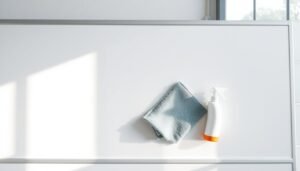
The first step is to remove loose dust or debris. Use a soft, dry microfiber cloth to wipe the screen in a circular motion. This method prevents scratches and ensures a clean screen.
Applying Cleaning Solution
Next, apply a cleaning solution. Do not spray the solution directly onto the screen. Instead, lightly dampen a microfiber cloth with the solution. It’s important to use a solution made for TV screens to avoid damage.You can learn more about how-to-clean-suede.
Wiping Down the Screen
With the damp microfiber cloth, gently wipe the TV screen in a circular motion. Start from the top and work your way down. Make sure to clean the entire screen evenly. Then, use a dry microfiber cloth to wipe away any remaining moisture and prevent streaks.
By following these steps, you can effectively clean your TV screen. Regular cleaning keeps your TV screen clear and in good condition.
What Not to Use When Cleaning
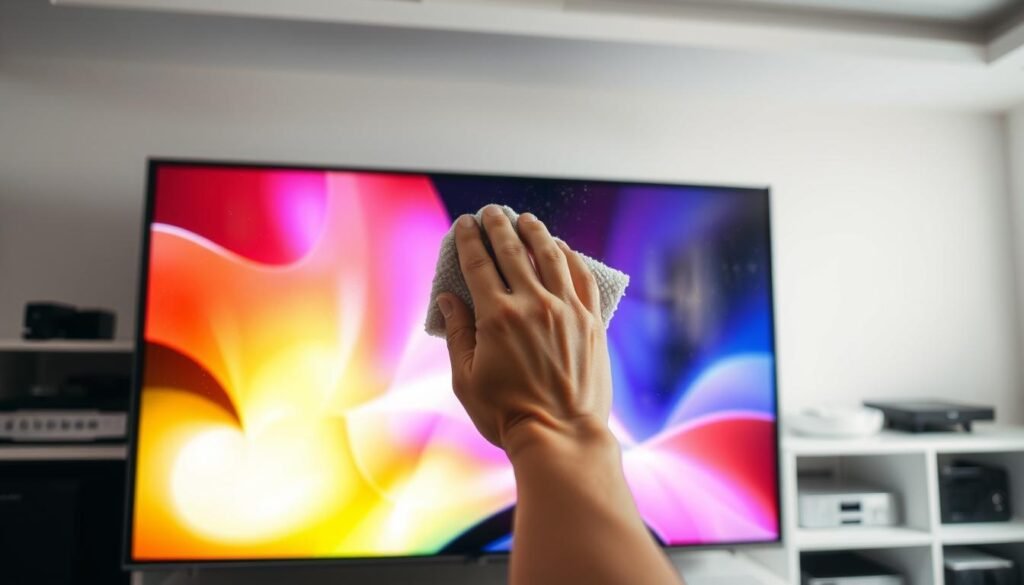
When cleaning your TV screen, it’s as important to know what not to use as what to use. The wrong cleaners or tools can damage the screen’s coating, harm the display, or even cause permanent damage. I’ll show you the common mistakes to avoid as we go through the cleaning process.
Avoiding Harmful Chemicals
Certain chemicals can harm your TV screen. For example, ammonia-based cleaners and alcohol-based solutions are harmful. Sony’s support page advises against using these harsh chemicals. Instead, use a gentle cleaning solution made for electronics.
“Using the wrong cleaning products can lead to irreversible damage. Always check the manufacturer’s recommendations before proceeding.”
Here are some household items to avoid:
- Window cleaners
- Household cleaners
- Aerosol sprays
- Alcohol or ammonia-based solutions
Prohibited Cleaning Tools
The right cleaning tool is as important as the right cleaning solution. Avoid using paper towels, tissues, or any abrasive materials that can scratch the screen. Use a microfiber cloth instead. It’s gentle on the screen and good at removing dust and smudges.
| Tool | Why to Avoid | Alternative |
|---|---|---|
| Paper Towels | Can scratch the screen | Microfiber Cloth |
| Tissues | May leave behind lint or fibers | Soft, Dry Microfiber Cloth |
| Abrasive Materials | Can cause permanent damage | Gentle Cleaning Tools |
By choosing the right cleaning solutions and tools, you can keep your TV screen in great shape. Always clean with caution to avoid any damage.
Cleaning the TV Frame and Base
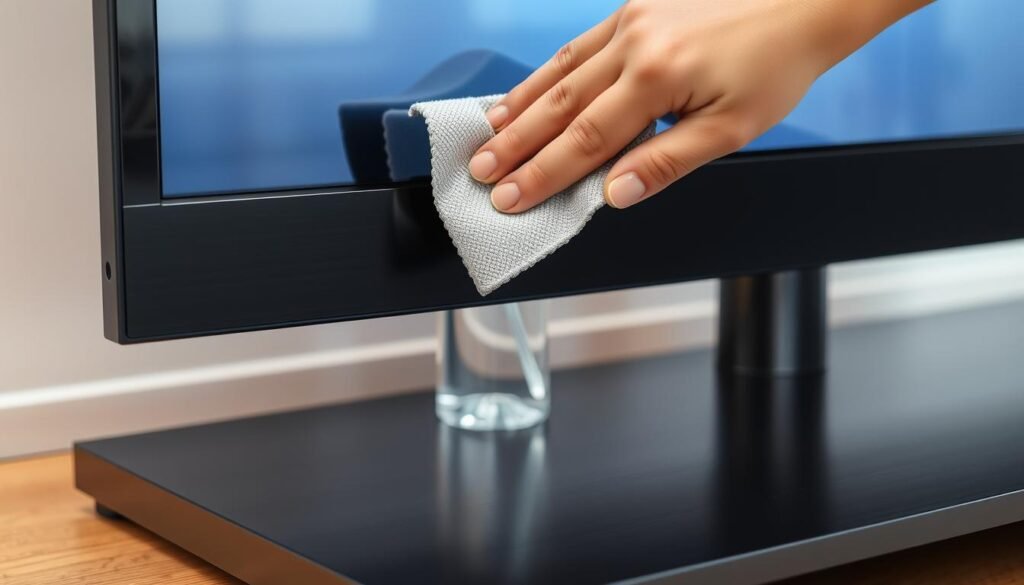
While the TV screen is the main focus, the frame and base need regular cleaning too. A clean TV means every part looks its best. It’s not just about the screen.
Materials for Frame Cleaning
To clean the TV frame, use a soft, dry cloth. This cloth is gentle and good at removing dust. For tough stains, you can dampen the cloth a bit. But, avoid harsh chemicals and abrasive materials that could harm the finish.
For a deeper clean, consider a specialized electronics cleaning cloth. It’s made to clean delicate surfaces without leaving streaks. For more tips on cleaning electronics, check out The Kitchn’s guide on how to clean a TV.
Techniques for Base Cleaning
Cleaning the TV base needs extra care because it might have intricate designs or different materials. Begin by dusting the base with a dry cloth to get rid of loose particles. For a deeper clean, use a slightly damp cloth, but avoid getting moisture into openings or vents.
If your TV base has removable parts, like feet or stands, clean them separately. Check your TV’s manual for how to remove and clean these parts. For tough stains, a gentle electronics cleaning product can work. But, test it on a small area first to make sure it won’t damage the material.
Maintaining a Clean TV Screen
A clean TV screen makes watching shows better and lasts longer. To keep your TV in top shape, regular care is key.
Setting a Cleaning Schedule
It’s important to set a cleaning schedule for your TV screen. Clean it every 2-3 weeks, depending on where it is. If you live in a dusty area or have pets, you might need to clean it more often.
- Check your TV screen weekly for dust and smudges.
- Clean the screen gently with a microfiber cloth every 2-3 weeks.
- Adjust your cleaning frequency based on your environment.
Tips to Reduce Dust Build-up
To cut down on dust around your TV, follow these tips:
- Keep the room well-ventilated to reduce dust particles in the air.
- Use a humidifier to maintain a balanced humidity level, as excessive dryness can attract dust.
- Avoid placing your TV near open windows or doors where dust can easily enter.
- Dust the area around your TV regularly with a damp cloth to prevent dust from settling.
By sticking to these tips and a regular cleaning schedule, your TV screen will stay clean longer. This not only makes watching TV better but also helps your TV last longer.
Troubleshooting Common Issues

Cleaning your TV screen can sometimes go wrong, even if you do it right. You might see streaks or residue, or even damage the screen. These problems can happen if you use the wrong cleaning method.
Streaks or Residue on Screen
Streaks or residue often come from using the wrong cleaner or wiping wrong. To solve this, try cleaning the screen again with a microfiber cloth and distilled water. Make sure to wipe in a circular motion and avoid too much pressure or dirty cloths.
For more tips on cleaning your TV screen safely, check out Architectural Digest’s guide.
Screen Damage from Improper Cleaning
Damage can happen if you use harsh chemicals or too much force. If your screen is damaged, stop using it right away to avoid more harm. You might need professional help or a new screen.
To avoid damage, always follow the manufacturer’s cleaning advice. Use the right tools and clean your TV regularly with a dry microfiber cloth. This helps prevent the need for harsh cleaning.
Final Thoughts on TV Screen Care
Keeping your TV screen clean is key for a great viewing experience. It also helps your TV last longer. Learning how to clean your TV screen right can make watching shows and movies better.
Benefits of Proper TV Screen Maintenance
Cleaning your TV screen often stops dust from building up. It also lowers the chance of damage. This keeps your viewing experience top-notch and your TV working well for longer.
Summary of Best Practices for Cleaning Your TV Screen
To keep your TV screen in good shape, use the right cleaning products and tools. Stay away from harmful chemicals. Clean your TV regularly to keep it working well.
Adding these easy steps to your routine will make watching TV better. You’ll enjoy a cleaner, clearer, and more enjoyable experience.

















One Response