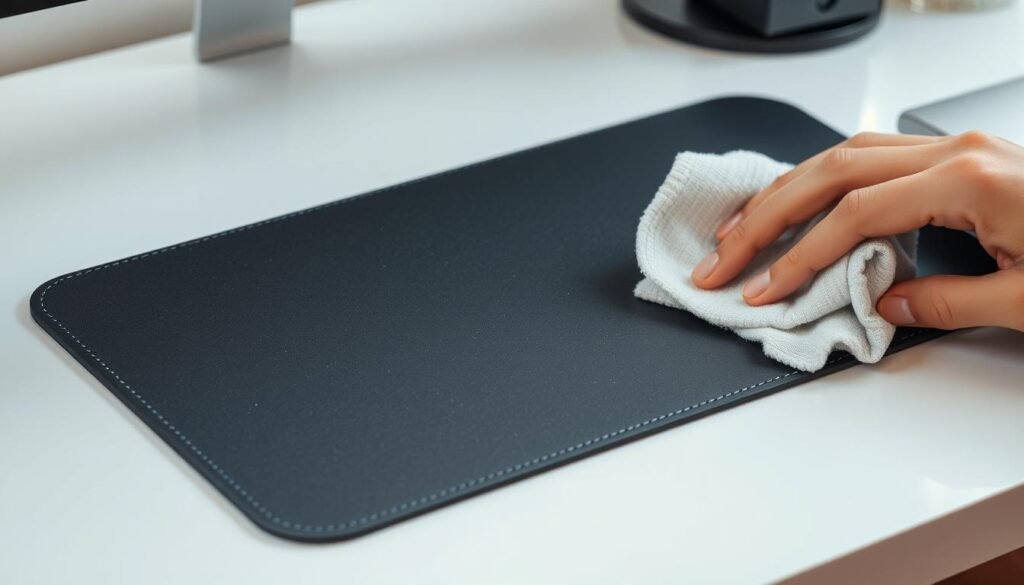
A clean mouse pad is not just about looks; it’s key for performance and health. Dirt, oils from your skin, and other stuff can mess with your mouse’s accuracy. Regular cleaning keeps your mouse pad in top shape.
For gamers and computer users, a dirty mouse pad is a big problem. Grime can make your mouse skip or jitter, which can cost you games. A simple cleaning routine can keep your gaming smooth. You can learn more on how to clean your gaming mouse
Key Takeaways
- Regularly cleaning your mouse pad improves performance.
- A clean mouse pad enhances gaming experience.
- Simple cleaning methods can extend the life of your mouse pad.
- Dirt and grime can affect mouse accuracy.
- Following a cleaning routine is essential for hygiene.
Why Cleaning Your Mouse Pad Matters
Cleaning your mouse pad regularly is key for both hygiene and function. A clean mouse pad makes your computing better and helps your mouse last longer.
Benefits of a Clean Mouse Pad
A clean mouse pad offers many perks, like improved mouse accuracy and longevity. When it’s clean, your mouse moves more smoothly. This makes your computer use better. For more cleaning tips, check out how to clean a mouse pad.
Also, a clean mouse pad is healthier. Dust and dirt can cause skin problems or allergies. Cleaning it often keeps your workspace clean and safe.
Indicators That Your Mouse Pad Needs Cleaning
So, how do you know when to clean your mouse pad? Look for visible stains or color changes. If your mouse skips or drags, it’s probably dirty.
Other signs include a sticky mouse or dust around the edges. Check your mouse pad often to keep it in good shape.You can learn more about how-to-clean-a-dishwasher
Types of Mouse Pads and Their Care
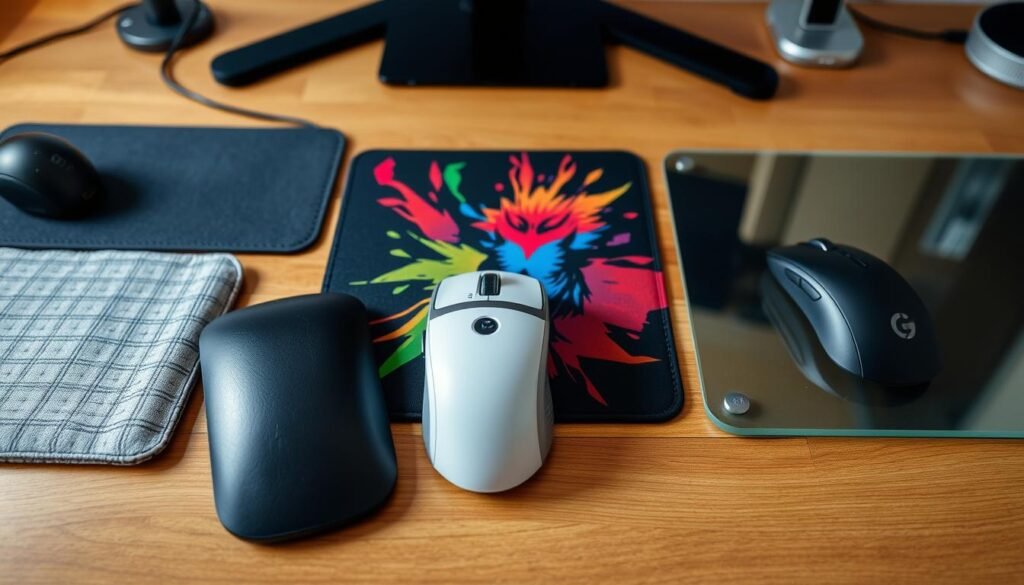
Mouse pads come in many materials, each with its own needs. Knowing these helps keep your mouse pad in top shape. It also ensures your mouse works well.
Cloth Mouse Pads
Cloth mouse pads are loved for their feel and look. They’re soft, making your mouse move smoothly. But, they get dirty fast. You’ll need to clean them often. For tips on cleaning, check out how to clean gaming mouse pads.
Plastic Mouse Pads
Plastic mouse pads are tough and easy to clean. They’re great for places where keeping things clean is important. Just a damp cloth is enough to clean them.
Hard Surface Mouse Pads
Hard surface mouse pads give a firm, smooth feel. They’re perfect for precise mouse movements. Cleaning them means using a soft cloth and the right cleaner.
Gel Mouse Pads
Gel mouse pads offer wrist support, making long gaming or work sessions more comfortable. They need gentle care. Harsh cleaners can harm the gel.
Here’s a quick guide to different mouse pads and how to take care of them:
| Type of Mouse Pad | Characteristics | Care Requirements |
|---|---|---|
| Cloth | Soft, comfortable, aesthetic appeal | Regular washing, gentle detergents |
| Plastic | Durable, easy to clean | Wipe with damp cloth |
| Hard Surface | Firm, smooth, precise movements | Wipe with soft cloth and cleaning solution |
| Gel | Wrist support, comfortable | Gentle cleaning, avoid harsh chemicals |
Tools and Supplies for Cleaning
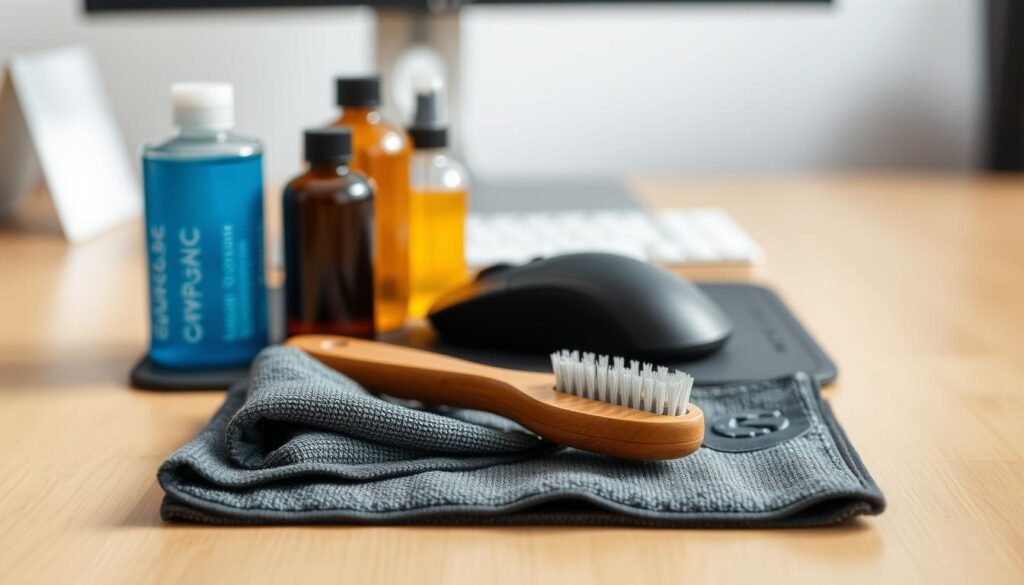
Having the right cleaning supplies is key to keeping your mouse pad in top shape. The supplies you need depend on your mouse pad’s material.You can learn more about how-to-clean-white-shoes
Recommended Cleaning Solutions
A mild soap or detergent works well for most mouse pads. Mix a bit of soap with warm water for a gentle solution. For tough stains, a specialized cleaner might be better.
Stay away from harsh chemicals to avoid damaging your mouse pad. Always check the label to make sure the cleaner is safe for your mouse pad’s material.
Proper Cloths and Brushes
A soft, lint-free cloth is best for cleaning your mouse pad. Microfiber cloths are great because they’re gentle and soak up a lot of moisture without leaving marks.
For tough stains or dirt, a soft-bristled brush can help. Just make sure the brush has soft bristles to avoid scratching your mouse pad.
Optional: Steam Cleaners
Steam cleaners are good for deep cleaning, like for cloth mouse pads. They can remove dirt and stains without harsh chemicals. But, be careful not to soak the mouse pad too much to avoid damage or long drying times.
| Mouse Pad Material | Recommended Cleaning Solution | Best Cloth/Brush Type |
|---|---|---|
| Cloth | Mild soap or fabric cleaner | Microfiber cloth or soft-bristled brush |
| Plastic/Hard Surface | Mild soap or all-purpose cleaner | Soft, lint-free cloth |
| Gel | Mild soap or specialized gel cleaner | Soft, lint-free cloth |
Step-by-Step Guide to Cleaning Cloth Mouse Pads
To keep your gaming sessions smooth, it’s important to know how to clean your cloth mouse pad. Cleaning it regularly can improve your gaming and make it last longer.
Prepping the Mouse Pad for Cleaning
First, remove any loose debris from the mouse pad. Gently shake it or use a soft-bristled brush to get rid of dust and dirt. This makes cleaning more effective.You can learn more about how-to-clean-tv-screen
Machine Washing vs. Hand Washing
You can wash your cloth mouse pad by machine or hand. Machine washing is better for a deep clean, but check the instructions first. If you hand wash, use mild detergent and lukewarm water. Clean the surface with a soft cloth and then rinse well.
For more detailed cleaning tips, visit Glorious Gaming’s guide.
Drying and Maintenance Tips
After washing, dry your mouse pad carefully to avoid damage. Squeeze out water without wringing or twisting. Lay it flat on a clean towel to air dry. Don’t use a dryer or direct sunlight, as it can damage the material.
| Drying Method | Recommended | Not Recommended |
|---|---|---|
| Air Drying | Yes | |
| Machine Drying | No | |
| Direct Sunlight | No |
Regular maintenance is crucial for your cloth mouse pad’s longevity. Clean it every few weeks, or more often if it gets dirty. By following these steps, you can keep your mouse pad in top condition for better gaming.
“A clean gaming setup is a happy gaming setup. Regularly cleaning your cloth mouse pad can make a significant difference in your gaming performance.”
Cleaning Plastic and Hard Surface Mouse Pads
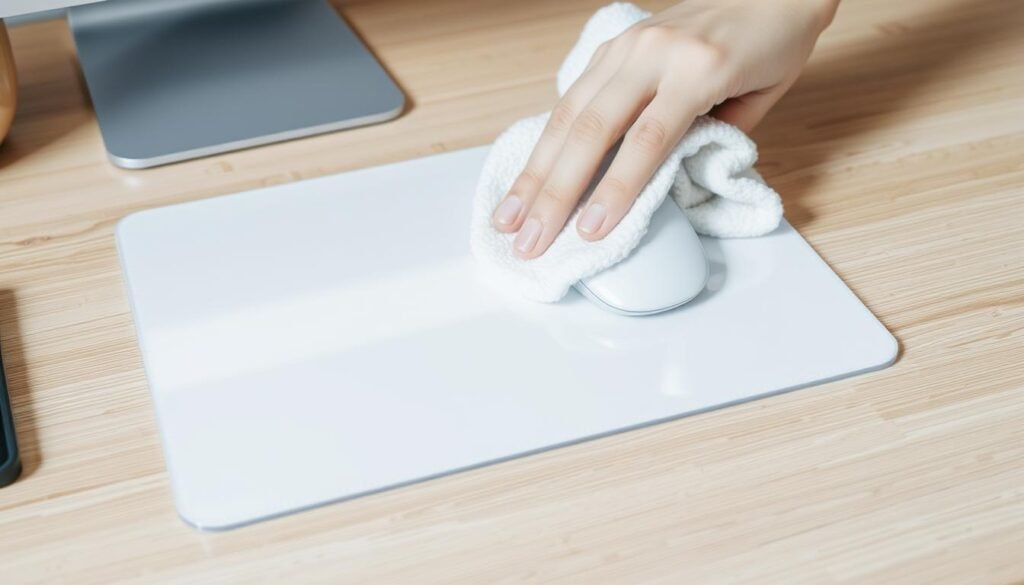
Cleaning your plastic or hard surface mouse pad is easy and can make your computer work better. These mouse pads are loved for being tough and easy to clean.
Wipe Down Techniques
For everyday care, just wiping with a damp cloth works well. You can mix a bit of mild soap with water to get rid of dirt. But, stay away from strong cleaners that might harm the surface.You can learn more about how-to-clean-oven
Effective Wipe Down Methods:
- Dampen a soft cloth with water.
- Add a small amount of mild soap if necessary.
- Gently wipe the mouse pad surface.
Handling Stubborn Stains
Dealing with tough stains needs a bit more work. A soft-bristled brush or a cotton swab with a mild cleaner can help.
| Stain Type | Cleaning Method |
|---|---|
| Ink or Dye | Use a cotton swab with rubbing alcohol. |
| Food or Grease | Apply a mild soap solution with a soft-bristled brush. |
Rinsing and Drying
After cleaning, make sure to rinse your mouse pad well to get rid of soap. Use a clean, damp cloth to remove any soap left. Then, dry it with a dry part of the cloth or let it air dry.
By following these steps, you can keep your mouse pad clean and working well. This ensures your mouse moves smoothly and your workspace stays clean.
Cleaning Gel Mouse Pads
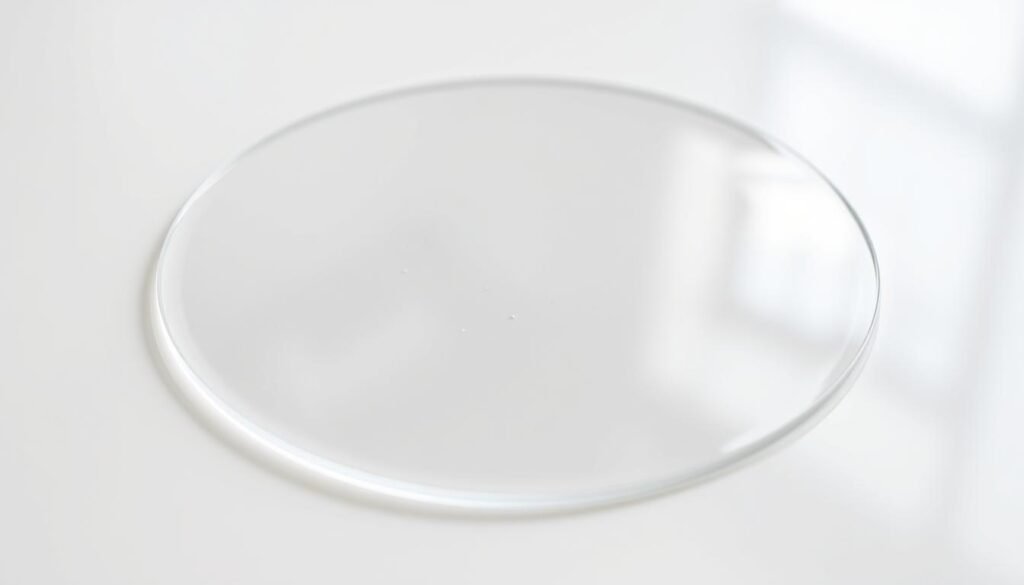
To keep your gel mouse pad in top shape, it’s key to know the best cleaning methods. Gel mouse pads have a special gel surface. This needs careful handling to keep it working well.
Special Considerations
Gel mouse pads are more delicate than others. So, it’s important to avoid harsh chemicals or rough materials. Always check the manufacturer’s instructions before cleaning your gel mouse pad. This ensures you follow their specific guidelines.
When cleaning, don’t soak the mouse pad in water. This can harm the gel. Instead, use a damp cloth to wipe it gently. For deeper cleaning, a mild soap solution works well, but make sure to rinse it off well.
“The key to maintaining a gel mouse pad is gentle, regular cleaning. Avoid harsh chemicals and excessive moisture to prolong its lifespan.” – Tech Care Expert
Safe Cleaning Products
Choose mild and non-abrasive cleaning products. A water and mild dish soap mix is often suggested. For stubborn stains, a water and white vinegar mix can be helpful.
| Cleaning Product | Safety for Gel Surface | Effectiveness |
|---|---|---|
| Mild Dish Soap Solution | Safe | Effective for general cleaning |
| White Vinegar Solution | Safe | Effective for tougher stains |
| Harsh Chemicals | Not Safe | Can damage the gel surface |
By following these tips, you can keep your gel mouse pad clean and functional. This ensures it works well for a long time.
Preventative Measures for Mouse Pad Care
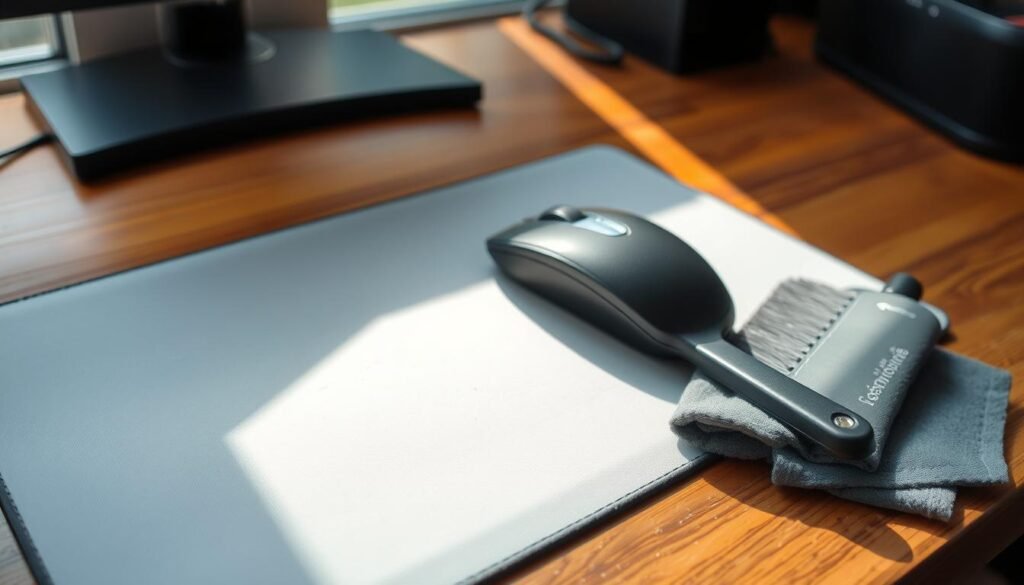
To keep your mouse pad in great shape, follow a few simple steps. This will help it last longer and work better. I’ll show you how to clean it regularly and avoid spills and stains.
Regular Cleaning Schedule
Cleaning your mouse pad often is key. Clean it once a week, or more if you use it a lot. For cloth pads, a mild soap and water wash works well. For more tips, check out Martha Stewart’s website.
Regular cleaning keeps your pad clean and working well. As Tom’s Hardware notes, “Taking care of it can make it last longer.”
| Mouse Pad Type | Recommended Cleaning Frequency | Cleaning Method |
|---|---|---|
| Cloth | Weekly | Mild soap and water |
| Plastic/Hard Surface | Bi-Weekly | Damp cloth |
| Gel | Monthly | Gentle wipe with a soft cloth |
Protecting from Spills and Stains
Keeping your mouse pad safe from spills and stains is important. Be careful with food and drinks near it. If you spill something, clean it right away to avoid stains.
“The key to maintaining a clean mouse pad is prevention and regular maintenance.”
For extra safety, use a mouse pad with a stain-resistant coating or a waterproof cover. This helps protect against spills.
How Often Should I Clean My Mouse Pad?
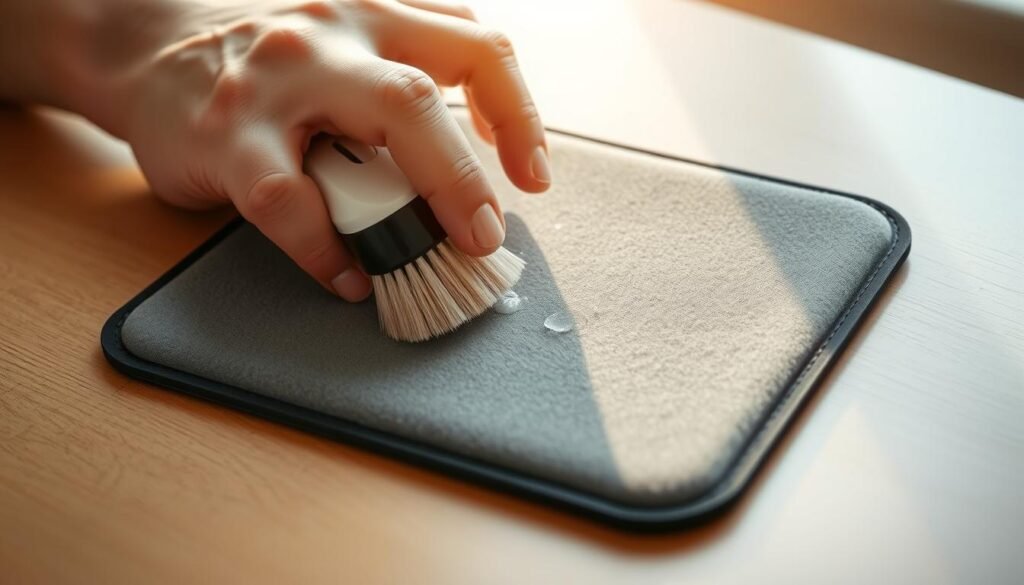
Cleaning your mouse pad regularly is key to a better computing experience. A clean pad means smooth cursor movement and better hygiene. But, how often should you clean it?
Daily Maintenance Tips
To keep your mouse pad in top shape, daily care is a must. Gently wipe your mouse pad with a soft cloth every day. This removes dust and minor spills. It’s a simple step that helps avoid deep cleaning.
As “A clean workspace is a productive workspace”, daily mouse pad care boosts your productivity.
Seasonal Deep Cleans
While daily care is important, seasonal deep cleans are also crucial. You might need to deep clean your mouse pad every 3-4 months. For cloth pads, machine washing is best. For plastic or hard surface pads, a damp cloth wipe works well.
A tech expert says,
“Regular deep cleaning can extend the lifespan of your mouse pad.”
By mixing daily care with seasonal deep cleans, your mouse pad stays in great shape. This ensures both hygiene and performance.
Common Mistakes to Avoid
To keep your mouse pad in good shape, avoid certain cleaning mistakes. Many people accidentally harm their mouse pads by using the wrong cleaning methods or products.
Using Harsh Chemicals
One big mistake is using harsh chemicals to clean your mouse pad. Avoid using bleach or strong detergents, as they can damage the material, cause discoloration, or make the surface rough. Instead, choose mild cleaning solutions made for your mouse pad type.
Over-Wetting the Mouse Pad
Another common error is over-wetting. Too much moisture can get into the mouse pad’s layers, causing it to break down or grow mold. Clean with a damp cloth, not soaking the pad in water. This keeps the material intact.
Neglecting Drying Time
After cleaning, let your mouse pad dry fully. Not doing so can cause moisture buildup, leading to mold or mildew. Make sure it’s dry before using it again. If needed, dry it with a cloth or let it air dry.
By avoiding these mistakes, you can make your mouse pad last longer and stay in top shape. Regular cleaning, done right, keeps it working well and clean.
Alternatives to Traditional Mouse Pads
Looking for something different? There are many alternatives to traditional mouse pads. These options cater to specific needs, like gaming and being eco-friendly. As technology grows, so do our choices.
Gaming Mouse Pads
Gaming mouse pads are a hit with gamers. They offer a smooth surface for precise cursor control. Plus, they’re designed to be ergonomic, reducing strain during long gaming hours.
Key Features of Gaming Mouse Pads:
- High-precision surface for accurate cursor control
- Optimized materials for durability and performance
- Ergonomic design for comfort during long gaming sessions
Eco-Friendly Options
For those who care about the planet, eco-friendly mouse pads are a great choice. They’re made from recycled or biodegradable materials. This makes them better for the environment and adds a unique touch to your desk.
“Using products made from sustainable materials is a step towards reducing our environmental impact. Eco-friendly mouse pads are a great example of how technology and sustainability can come together.” – Environmental Advocate
| Feature | Traditional Mouse Pads | Eco-Friendly Mouse Pads |
|---|---|---|
| Material | Synthetic materials | Recycled or biodegradable materials |
| Environmental Impact | Higher due to non-biodegradable materials | Lower due to sustainable materials |
| Aesthetic | Varied designs | Unique, eco-conscious designs |
In conclusion, whether you’re a gamer or someone who cares about the planet, there are better mouse pad options. These alternatives can improve your computing experience and help the environment.
When to Replace Your Mouse Pad
Knowing when to replace your mouse pad can make a big difference in your work. A worn-out mouse pad can make your work less accurate and slower. This can really hurt your productivity.
Signs of Wear and Tear
There are clear signs that it’s time for a new mouse pad. Visible wear and tear is a big one. If your mouse pad is torn, frayed, or rough, it’s time for a change.
Another sign is if your mouse isn’t working right. If it skips or stutters, a worn-out mouse pad might be the cause. Also, if your mouse doesn’t glide smoothly anymore, it’s getting old.
Benefits of Upgrading
Getting a new mouse pad has many benefits. Improved functionality is a big one. A new mouse pad gives your mouse a smoother ride, making it more accurate and fast.
Also, a new mouse pad is better for your health. Old ones can collect dust, dirt, and bacteria. Replacing it often keeps your workspace clean and healthy.
In short, knowing when to replace your mouse pad and the benefits of doing so can greatly improve your work experience.
Conclusion: Keeping Your Workspace Fresh
As we finish our guide on cleaning your mouse pad, it’s clear that a clean workspace is key. It boosts productivity and makes computing better. Regularly cleaning your mouse pad is a big part of this.
By following the steps in this article, you can keep your mouse pad in great shape. You’ll learn about different mouse pads and how to care for them. Every step helps keep your workspace clean and efficient.
Key Takeaways
To sum up, a clean mouse pad starts with knowing its material and using the right cleaning method. Whether it’s cloth, plastic, or gel, regular cleaning makes computing better. I suggest setting a cleaning schedule to keep your space tidy and organized.
Staying on Track
Adding mouse pad maintenance to your routine improves your computing and health. Make it a habit to keep your workspace clean. It’s essential for staying focused and productive.